

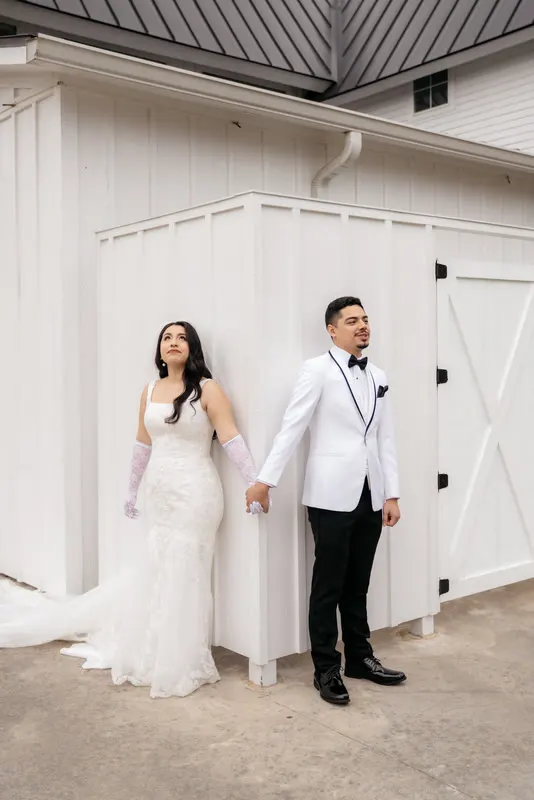
The couple watched their highlight film on Friday and opened their gallery on Monday. Then they sent you a message. Lovely, all of it, they said, but why does the film look so much warmer than the photos? Was it a different day?
If you run a photo and video team, or you book a videographer alongside your photography, you’ve probably seen this. Type “wedding photographer and videographer” into Google with a state name and autocomplete fills in state after state. Plenty of couples book both. And when they get both, they compare them.
Why stills and video drift apart
Nobody sets out to deliver a film and gallery that don’t match. It happens because each side makes sensible choices on its own.
Different cameras. Stills and video cameras, even from the same brand, render color differently. Skin, greens and highlights all land in slightly different places before anyone has touched a slider.
Different profiles. Photos are usually shot raw with a camera profile. Video is often shot in a log profile, then converted with a LUT. The starting points aren’t the same.
Different editors. The photographer grades the gallery to their preset. The video editor grades the film to their own look. Both look great on their own. Side by side, they can look like two weddings.
Different references. The photographer compares against their last gallery. The video editor compares against their last film. Neither compares against the other.
Different timing. Films are often delivered weeks after the gallery. By then nobody remembers exactly how the photos were graded.
Agree on shared references first
The fix starts before anyone edits. Decide what “this wedding’s look” means, once, and give both editors the same references.
A simple set of shared references:
- Three to five finished photos from the photographer’s own style, covering outdoor, indoor and evening light.
- One past film whose grade the team likes.
- The preset and the LUT each side normally uses.
- A line of notes both editors read. “Warm, soft, true greens, skin never orange.”
If the photographer and filmmaker have different styles, settle it now. Pick one as the lead look, and grade the other to it.
Skin tone as the anchor
When stills and film disagree, the difference people notice first is skin. Backgrounds can vary slightly and nobody minds. A bride who looks peach in one and pink in the other looks wrong.
So anchor on skin:
- Pick a reference scene that both cameras covered, such as the first look or the couple’s portraits.
- Match skin first in that scene, in both the photo and the film. Hue, saturation and brightness.
- Then match whites. The dress and shirts should sit at similar brightness and warmth.
- Then the background. Greens, skies and venue walls last.
Once the reference scene matches, carry it outward. Every other scene in the gallery and the film is graded to sit next to that one.
Match the same scenes, not just the overall look
A gallery and a film can match on average and still drift scene by scene. The reception is where it usually breaks: tungsten, uplighting and DJ lights all hit stills and video differently.
Check these scenes side by side in particular:
| Scene | What to compare |
|---|---|
| Getting ready | Window light white balance, skin brightness |
| Ceremony | Highlights on the dress, shadow depth |
| Portraits | Golden hour warmth, how green the greens are |
| Reception | Tungsten correction, how much uplight color you keep |
| Night exit | Black levels, how sparklers or lights render |
The simplest check is literal. Put a still and a frame grab from the film next to each other on screen, for each scene. If you can’t tell which is which by color, you’re there.
Delivering together
Matching is easier, and more convincing, when the gallery and the film arrive together. The couple sees them as one set, and any mismatch is caught before delivery, not after.
If your gallery and film usually go out weeks apart, consider bringing them closer. Even a few days apart is better than a month, because the grade is still fresh for whoever’s checking.
It also changes how the couple experiences your work. One delivery, one look, one studio.
How BackstagePost edits both
Our Gallery + Film packages are built for this. We edit the stills and the films side by side so the grade matches across both. One brief covers everything.
| Package | What’s included | Price |
|---|---|---|
| Essential | Wedding gallery of 300 to 500 images, 5 to 8 minute highlight film | $150 |
| Signature | Wedding gallery, 15 to 40 minute feature film, 1-minute teaser | $200 |
| Complete | Wedding gallery, highlight film, feature film, 1-minute teaser | $300 |
All three include one grade across stills and film, project files and the revisions in each package.
Here’s how the seven business days run for a combined project:
| Business day | What happens |
|---|---|
| 1 | Stills, every camera, drone and audio downloaded and checked; one brief confirmed for both |
| 1 to 2 | Test stills and a test clip graded to your references, so the gallery and the film share the same grade |
| 2 to 3 | The gallery culled to your count while the film cameras are synced and the best takes pulled |
| 3 to 5 | Stills graded and retouched alongside the story cut of the films |
| 5 to 6 | Film color and sound finished, then checked side by side with the gallery |
| 7 | Gallery, films and both project files delivered together |
Big and multi-day weddings are charged at the same package prices, and the Wedding gallery covers up to 3,000 raws across all the days together. Rush in 72 hours adds 50% to the order.
Your next step
If you shoot both, or you work with a regular videographer, send us a wedding where the film and the gallery didn’t quite match last time. Start with the free trial, which covers any Gallery tier or the Highlight film, so you can see our match on your own work.
All three combos are on the packages page, and the combined timeline is on how it works. For examples of how we’ve handled mixed light across a day, see our work.
If reception light is your usual problem, read editing mixed light at receptions. For the film side of the handover, read the filmmaker’s guide to outsourcing wedding video editing.